AI chatbot setup takes about fifteen minutes for a small business, and most guides spend all of that on the easy part. The signing up is quick. What takes judgement is what you feed it, how you test it, and what you do when it gets something wrong.
By the end of this you will have a working assistant on your site, answering from your own material, with a plan for the questions it cannot handle.
On this page
Before you start: the only AI chatbot decision that really matters
Every AI chatbot falls into one of two groups, and the difference is worth more than any feature comparison.
Grounded assistants answer only from material you give them: your website, your documents, your price list. Asked something outside that, they say they don’t know.
General purpose assistants answer from a large model that has read the internet, with your material added on top. Asked something outside your material, they will still produce an answer.
For a business selling appointments, rooms, repairs or anything with a price, the first kind is the safe one. A Canadian tribunal made Air Canada honour a refund policy its chatbot had invented, on the grounds that a company is responsible for what its own website says. We wrote about AI chatbot liability and that case separately, and it is worth ten minutes before you choose a product.
Decide this before you compare prices. It isn’t a feature, it’s a category.
Step 1: give your AI chatbot what you already have
The mistake here is thinking you need to write documentation first. You don’t.
Start with your website. A good assistant reads it and builds from your existing pages. That alone covers most of what customers ask, because most of what customers ask is already written down somewhere on your site.
Then add whatever is sitting in a folder:
- Your price list, in whatever format it exists
- The PDF menu, brochure or service list
- Terms, opening hours, delivery areas
- The email you have retyped forty times this year
Then add the questions you actually get asked. This is the highest value ten minutes of the whole process. Sit down and write out the fifteen questions you answer every week and their real answers. Not the polished website version. The answer you’d give on the phone.
Those fifteen pairs will handle more real traffic than everything else combined, because the questions people actually ask a business are far narrower than the range of things a business could be asked.
If your website is thin, fix that first. An AI chatbot can only be as good as the material it reads, and a four page site with no prices on it produces an assistant that declines everything. If that describes your site, the warning signs you need a website redesign is the more useful place to start.
What those fifteen questions usually look like
If you are staring at a blank page, the pattern is the same in most trades and the wording is what changes.
A hotel or guest house gets asked about the airport transfer, whether the rate includes breakfast, what time check in is, whether children are allowed and what happens if a flight is cancelled.
A clinic gets asked what a treatment costs, whether it takes insurance, how soon an appointment is available, whether it treats children, and what to do out of hours.
A restaurant gets asked whether it opens on a Monday, whether it delivers, whether there is anything vegetarian, whether it takes card and whether a group of ten can book.
A garage gets asked what a service costs, how long the car will be kept, whether there is a courtesy car, whether servicing affects a manufacturer warranty, and whether it works on a particular make.
Write yours out in the customer’s words rather than yours. “How much is a filling” beats “restorative treatment pricing”, and it is what people type.
Step 2: test the AI chatbot in private, and be unfair about it
Don’t put it on your site yet. Almost every tool gives you a private test panel. Use it properly.
Ask it the hardest things you get asked, in the words customers actually use. Not “what are your opening hours” but “r u open sunday”. Not “what is your returns policy” but “can I bring it back if it doesn’t fit”.
Then ask it three things it cannot possibly know.
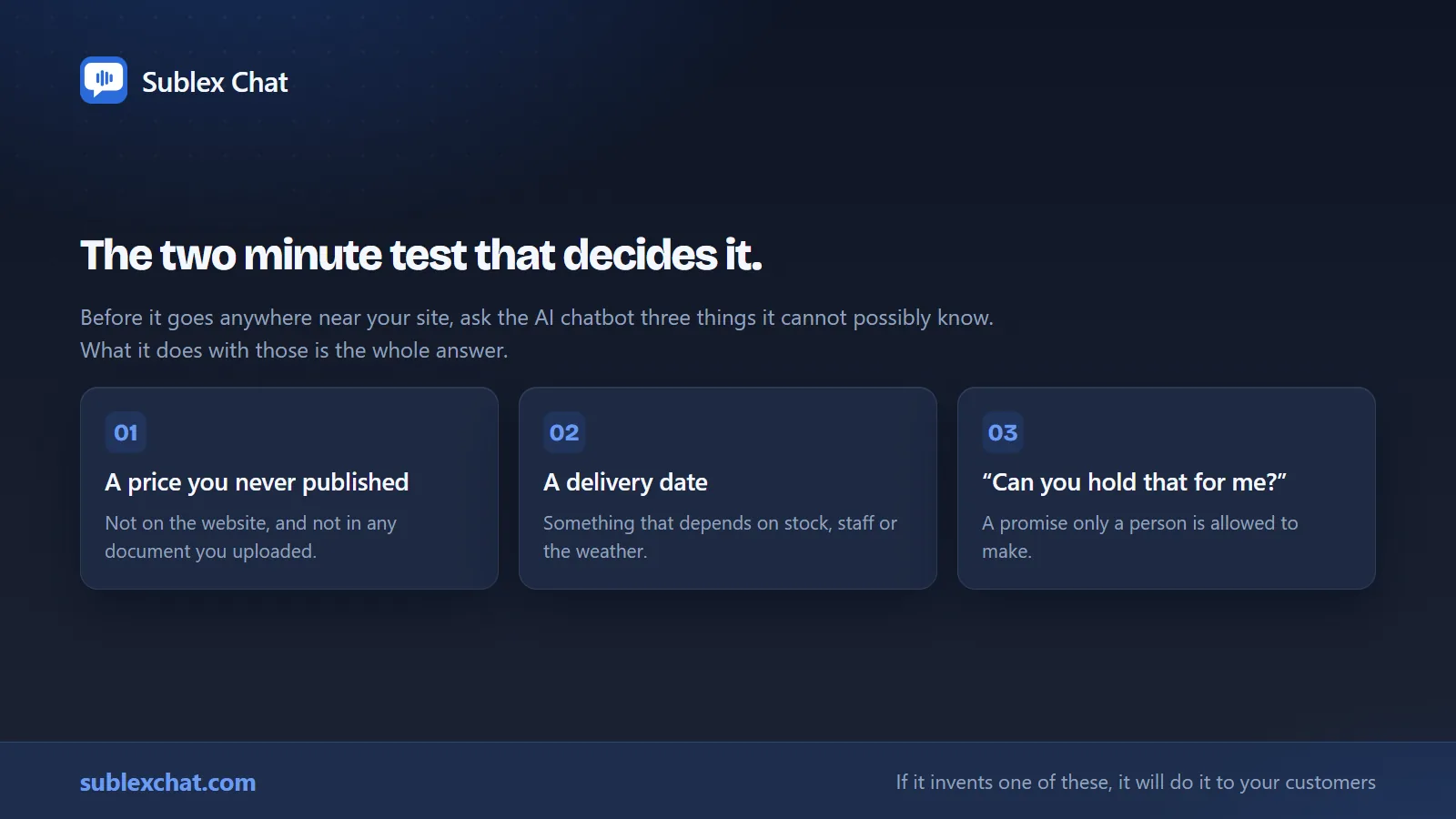
Watch what it does with those three. That’s the whole test. If it makes something up, it’ll do the same to your customers, and you won’t be there to see it. If it says it doesn’t know and offers to take a message, you’ve got the right tool.
Fix what is wrong by adding material, not by arguing with it. If it couldn’t answer a question, that’s because the answer isn’t in what you gave it. Add the answer and ask again.
Twenty minutes of this will tell you more about the product than any sales call.
Step 3: paste one line into your site
Every widget works the same way. You copy a single line of code and paste it into your site so it loads on every page. Here is where it goes on each builder.
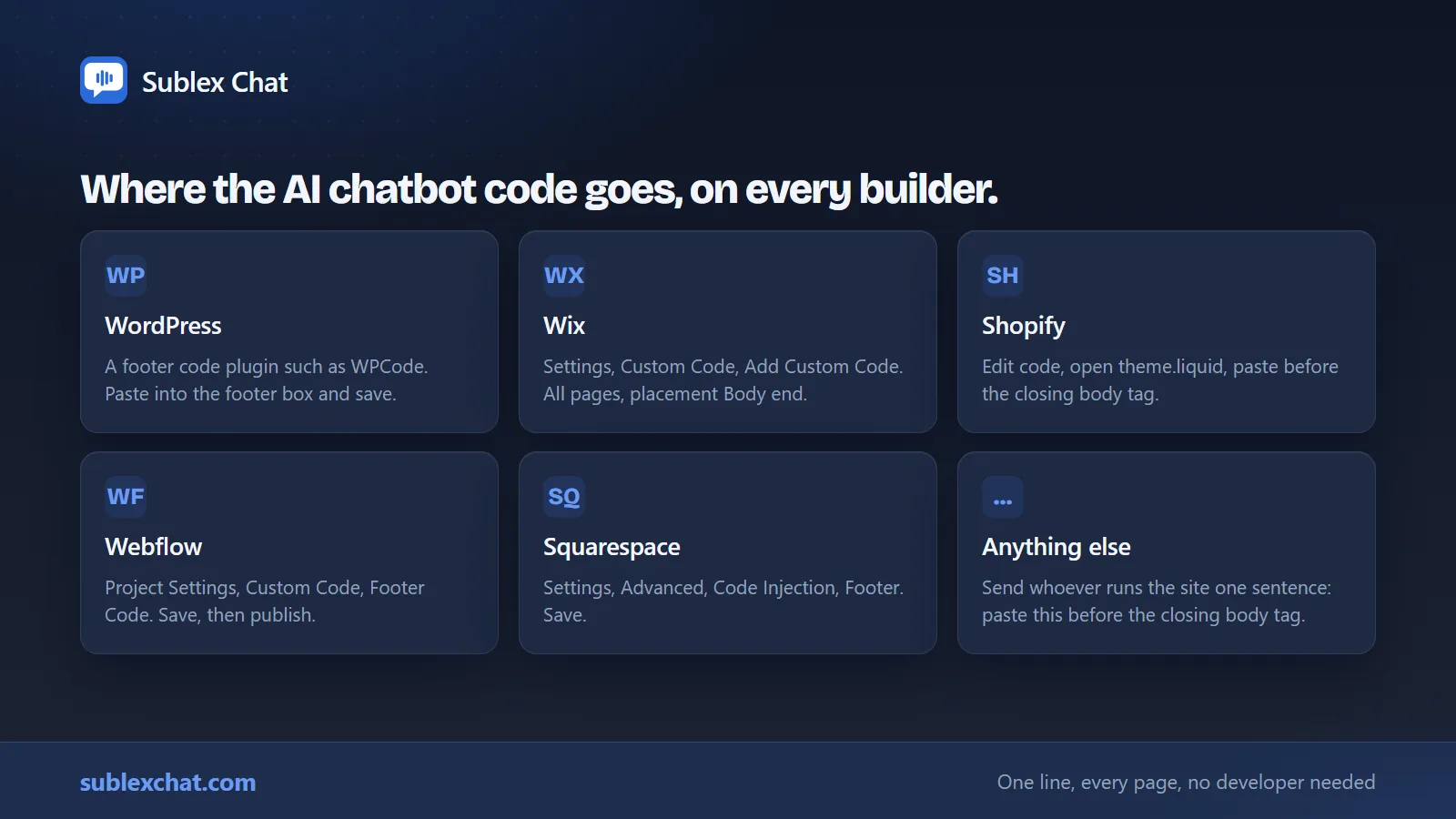
WordPress. Sublex Chat has its own plugin, free from sublexchat.com/wordpress. Install it, paste the eight character code from your dashboard, and the chat window is on every page. There is no code to paste anywhere and it survives your next theme update.
For any other chat tool, the safest route is a plugin that inserts code into the footer, such as WPCode. Paste into the footer section and save. If your theme has a “custom scripts” or “footer code” box under Theme Options, that works too. Do not paste it into a page or a post; it will only load on that page.
Wix. Settings, then Custom Code, then Add Custom Code. Paste it, choose “All pages”, and set the placement to “Body end”. Apply.
Shopify. Online Store, Themes, then the three dots next to your live theme, then Edit code. Open theme.liquid, scroll to the bottom, and paste the line immediately before the closing </body> tag. Save.
Webflow. Project Settings, Custom Code, then the “Footer Code” box. Save and publish. It won’t appear until you publish.
Squarespace. Settings, Advanced, Code Injection, then the Footer box. Save.
Anything else, or a site someone else manages. Send whoever runs it one sentence: “please paste this line before the closing body tag so it loads on every page.” That’s the whole instruction, and any developer will do it in a minute.
Check it on your phone as well as your computer. That’s where most of your customers will see it, and a widget that covers a phone’s checkout button is worse than no widget at all.
Step 4: decide what happens when the AI chatbot cannot help
This is the step that separates an assistant that helps from one that annoys.
Set up the handover. When someone asks for a person, or the assistant cannot answer, the conversation should go somewhere a human will actually see it, and quickly. An email to an address nobody reads isn’t a handover.
Read the missed questions every week. Any assistant worth using keeps a list of what it could not answer.
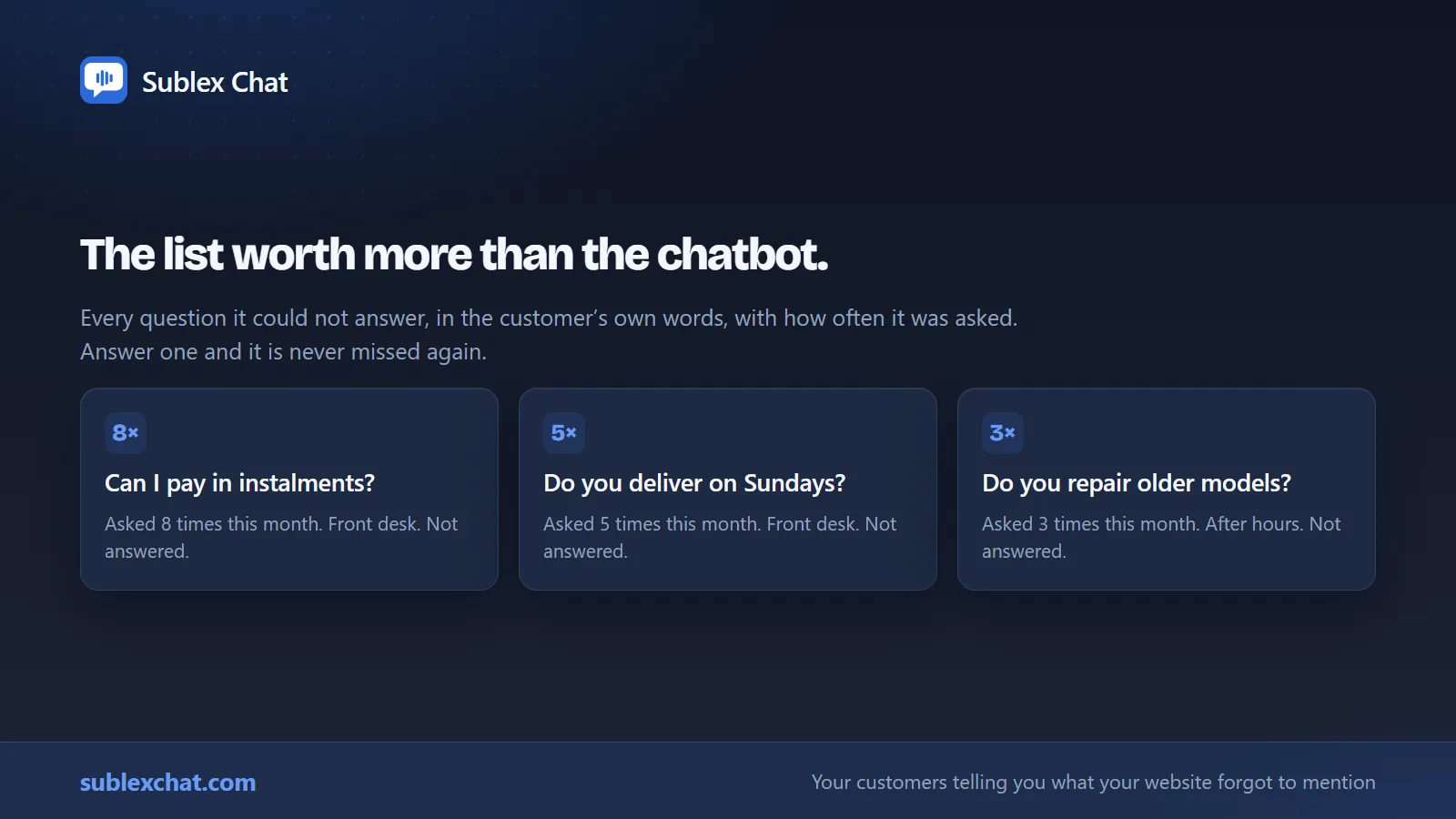
That list is the most useful thing the software gives you. It’s your customers, in their own words, telling you what your website forgot to mention. Answer one, and it’s never missed again.
After a month of doing this the assistant is noticeably better, and so is your website, because you have been writing the answers your customers were actually looking for rather than the ones you assumed they wanted.
What an AI chatbot should cost
Prices move, so check before you buy, but the shape of the market in mid 2026 is worth knowing so you are not surprised.
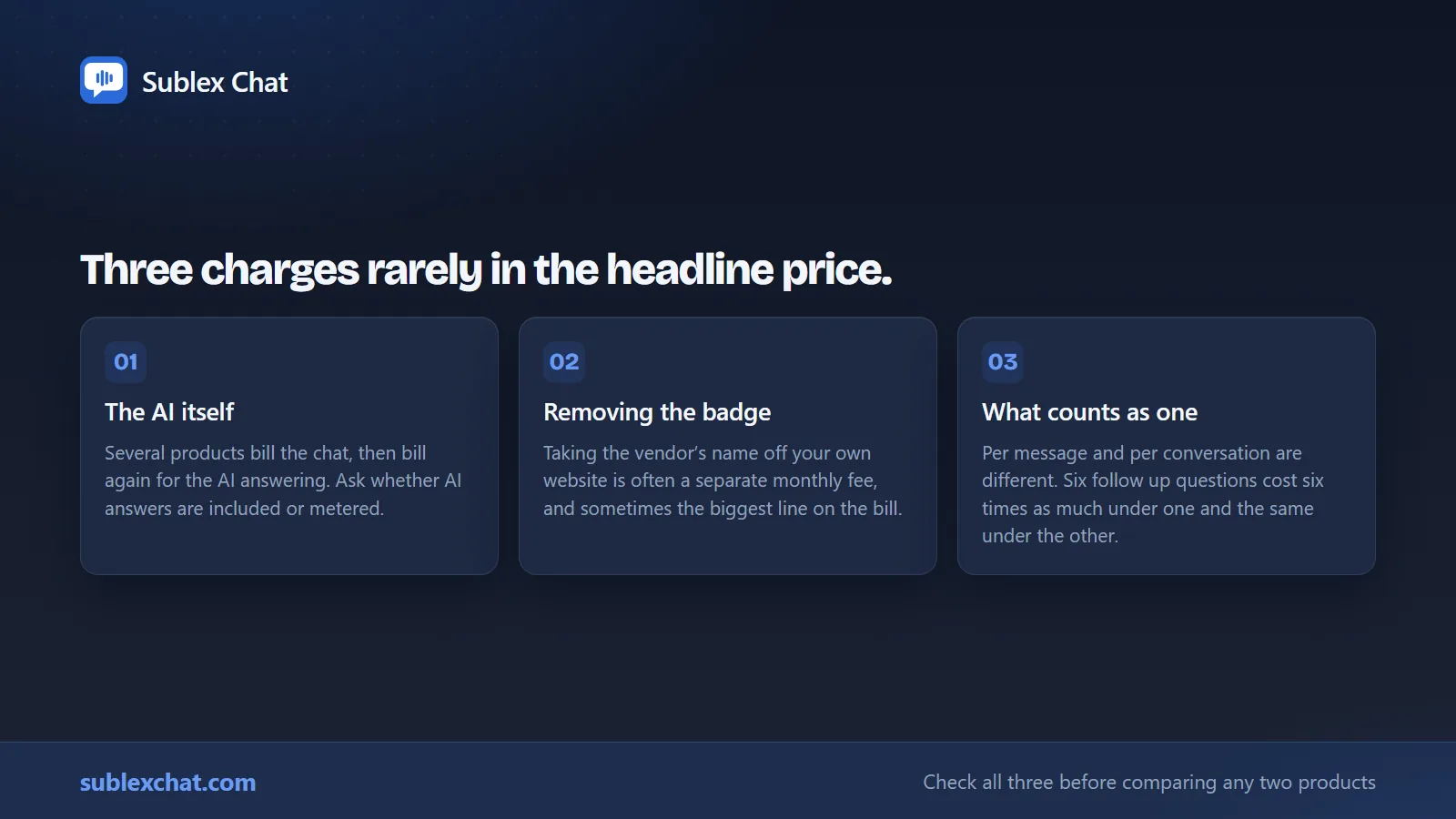
Watch for three charges that are often separate from the plan price:
- The AI itself. Several live chat products charge for the chat and again for the AI answering. Ask whether AI answers are included or metered.
- Removing the vendor’s badge from your own site. This is frequently a separate monthly fee, and on some products it is the most expensive line on the bill.
- What counts as one unit. Being billed per message is very different from being billed per conversation. A customer who asks six follow up questions costs six times as much under one model and the same under the other.
A small business should expect to pay somewhere between nothing and about $30 a month. If you are being quoted per seat plus a charge every time the AI resolves something, you’re being sold a product built for a support department, and you will feel it on the invoice.
For context on what the rest of a small business web presence costs here, we have written up what a website costs in The Gambia.
Five questions to ask any AI chatbot vendor
Copy these into an email. The answers will tell you more than any demo.
- Can the assistant answer from anything other than the material I give it?
- Show me what it does when it does not know the answer.
- Is the AI included in the plan price, or charged separately?
- What does it cost to remove your branding from my website?
- Can I see every question it could not answer, in the customer’s own words?
Any vendor confident in their product answers all five in a sentence each.
Four AI chatbot mistakes worth avoiding
These are the ones we see most often when a client asks us to take over a setup that has not worked.
Launching it on every page on day one. Start with ten or twenty pages, or one section of the site, and watch the transcripts for a week. It is far easier to widen the scope than to apologise for it.
Feeding it everything you own. More material is not better material. An old price list from 2023 sitting in the same folder as the current one produces an assistant that quotes both. Give it what is true today and nothing else.
Writing a personality instead of answers. Time spent on the greeting is time not spent on the fifteen questions. Nobody has ever chosen a business because its chatbot was charming.
Never reading the transcripts. The first month of conversations is the most useful market research a small business will ever get for nothing, and almost nobody reads it.
How to tell whether your AI chatbot is working
Most people judge it on whether the answers sound good, which is the least useful measure available. Three numbers are worth more.
The share of conversations it handled alone. If the assistant answers eight out of ten without a person, it is doing the job. If it is three out of ten, your material is thin rather than the software being poor, and the fix is more content and not a different vendor.
The number of leads captured out of hours. This is the one that pays for it. Count the enquiries arriving between six in the evening and eight in the morning that got a name and a number attached. Before the assistant, most of those were nothing.
The missed question list, getting shorter. In the first fortnight it will grow, because you are seeing what customers ask for the first time. By week six it should be shrinking, and the questions on it should be getting stranger. If the same question is still on it after a month, you have not answered it and nobody else will.
Give it six weeks before you form a view. A fortnight is not enough time for a new answer to be tested by a real customer.
Doing this with Sublex Chat
We built Sublex Chat because we kept having this conversation with clients.
Type your web address and it reads your site and answers real questions about your business, before you make an account. Add documents and question and answer pairs, test it privately, then put it on your site: a plugin on WordPress, or one line of code anywhere else. It answers only from your material, and when the answer is not there it says so, takes the customer’s details, and lists the question for you to answer once.
The AI, live chat, human takeover and removing our badge are all in one price, starting at $24 a month billed yearly, and there is a free plan that stays free. Every new account starts with 14 days of the full Business plan, with no card.
We open on 7 September 2026, and the first 30 subscribers get founding terms: 30% off to start, then today’s price locked for as long as they stay.
If you would rather somebody else did the whole thing, that is part of what we do for clients, alongside the website itself.
Frequently asked questions
How long does it really take to add an AI chatbot to a website?
About fifteen minutes for most small businesses, from giving it your web address to having it live on your site. Watching it answer questions about your business takes about two minutes and needs no account. The part that takes longer is writing out the questions you get asked most, and that is time worth spending.
Do I need a developer?
No. Every major website builder has a box for exactly this, and WordPress has plugins that do it for you. Wix has Custom Code, Shopify needs the line pasted before the closing body tag in theme.liquid, and Webflow and Squarespace both have a footer code box.
Can I train an AI chatbot on my own website content?
Yes, and you should. A grounded assistant reads your existing pages and answers from them. That is the difference between an assistant that knows your delivery areas and one that guesses them.
What happens when the AI chatbot does not know the answer?
It depends entirely on which product you chose, which is why it’s the most important question to ask. A grounded assistant tells the customer it does not have that information and takes their contact details. A general purpose one will usually produce an answer anyway.
Is an AI chatbot worth it for a small business?
If you answer the same questions repeatedly, and some of those questions arrive outside working hours, yes. The value isn’t novelty. It’s the enquiries that currently go unanswered at 11pm and never come back.
How much should an AI chatbot cost?
For a small business, between nothing and about $30 a month. Check three things: whether the AI is included or charged separately, what it costs to remove the vendor’s branding, and whether you are billed per message or per conversation.
Will an AI chatbot slow my website down?
A well built widget loads after the page and adds nothing to how fast the page itself appears. Ask the vendor how large the loading script is; anything under about 10KB, loaded asynchronously, is fine. A vendor who cannot tell you has told you something anyway.